Ever noticed glowing messages left by other players near the entrance of the Vault of Knowledge? 🕯️✨
Those are Message Shrines, and yes—you can leave your own for others to read!
If you want to share thoughts, quotes, or just say hello to fellow Sky kids, here’s a simple step-by-step guide to placing your message shrine.
🌌 Why Use Message Shrines in Sky?
Message Shrines let you:
- 💬 Share messages with other players
- 🌍 Connect with strangers across realms
- 🕯️ Express creativity, emotions, or tips
- ❤️ Receive likes (hearts) from others
It’s a small feature—but it makes the world of Sky feel alive and connected.
📍 Where to Find the Message Shrine
You’ll find one easily in the Vault of Knowledge, right near the entrance.
📝 Step-by-Step: How to Place a Message Shrine
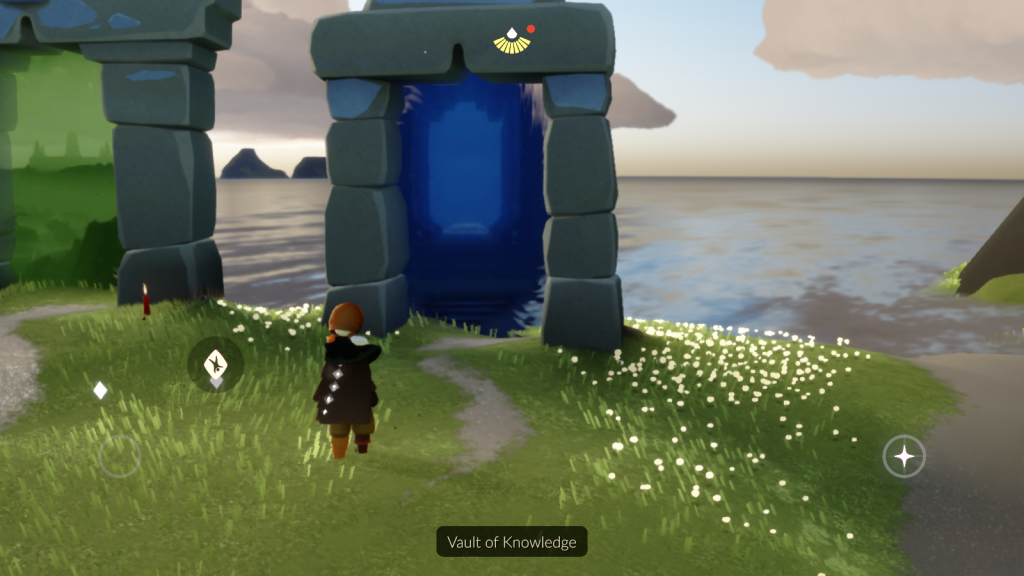
1. Go to Vault of Knowledge
Enter the Vault of Knowledge realm through the portal.
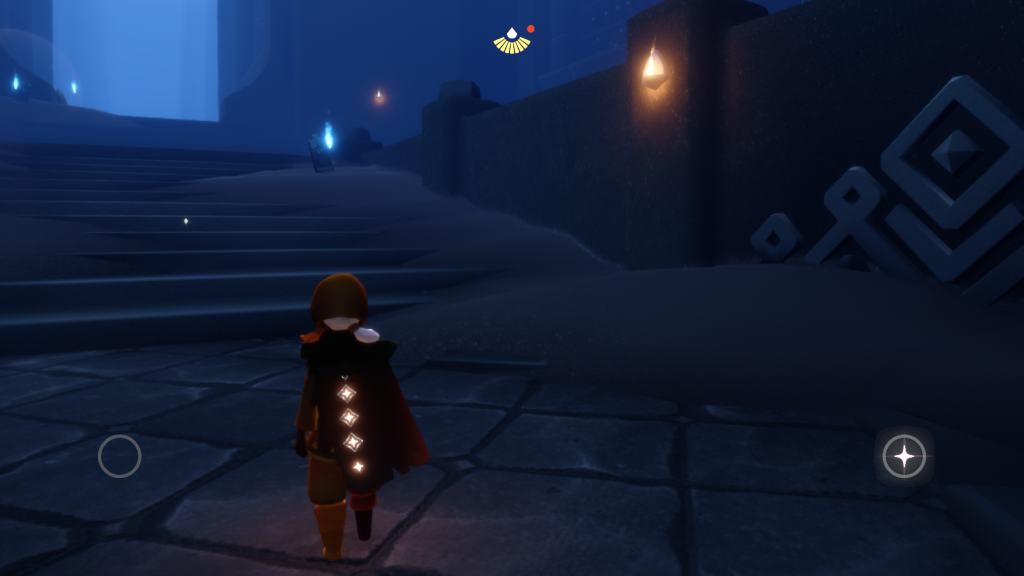
2. Find the Shrine
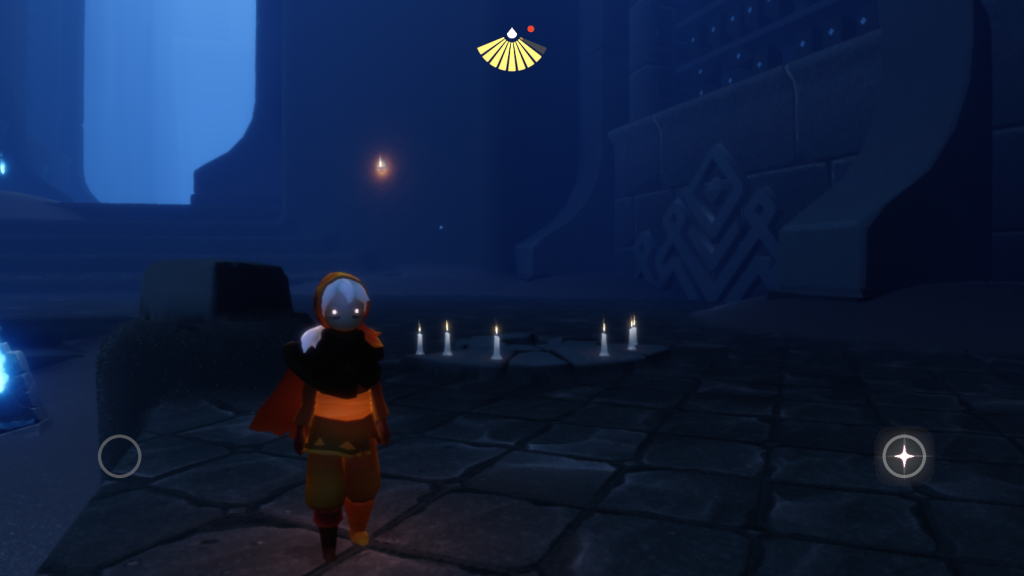
Once inside, look to the right side of the entrance.
You’ll see a meditating statue with a message shrine nearby.
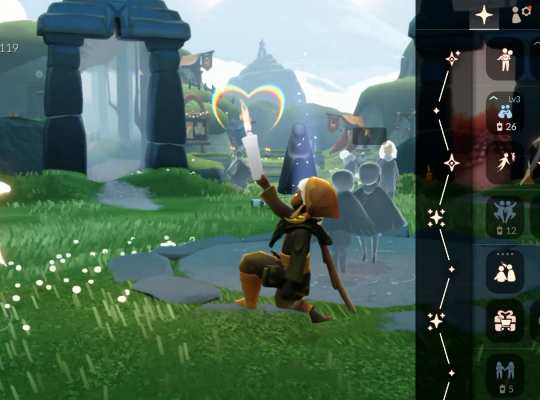
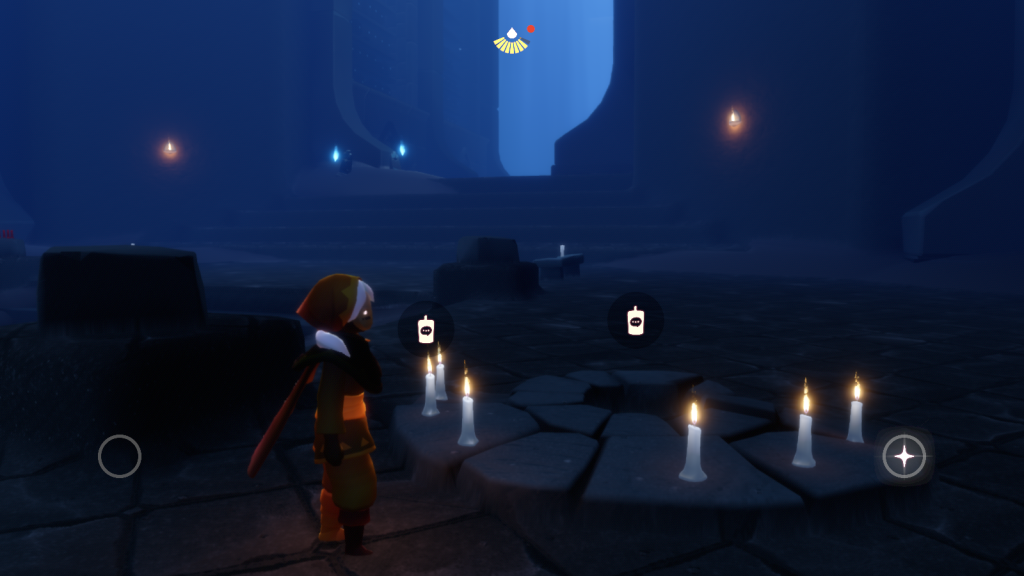
3. Tap the Candle Icon
When you approach, a candle icon will appear in the center.
Tap it to interact.
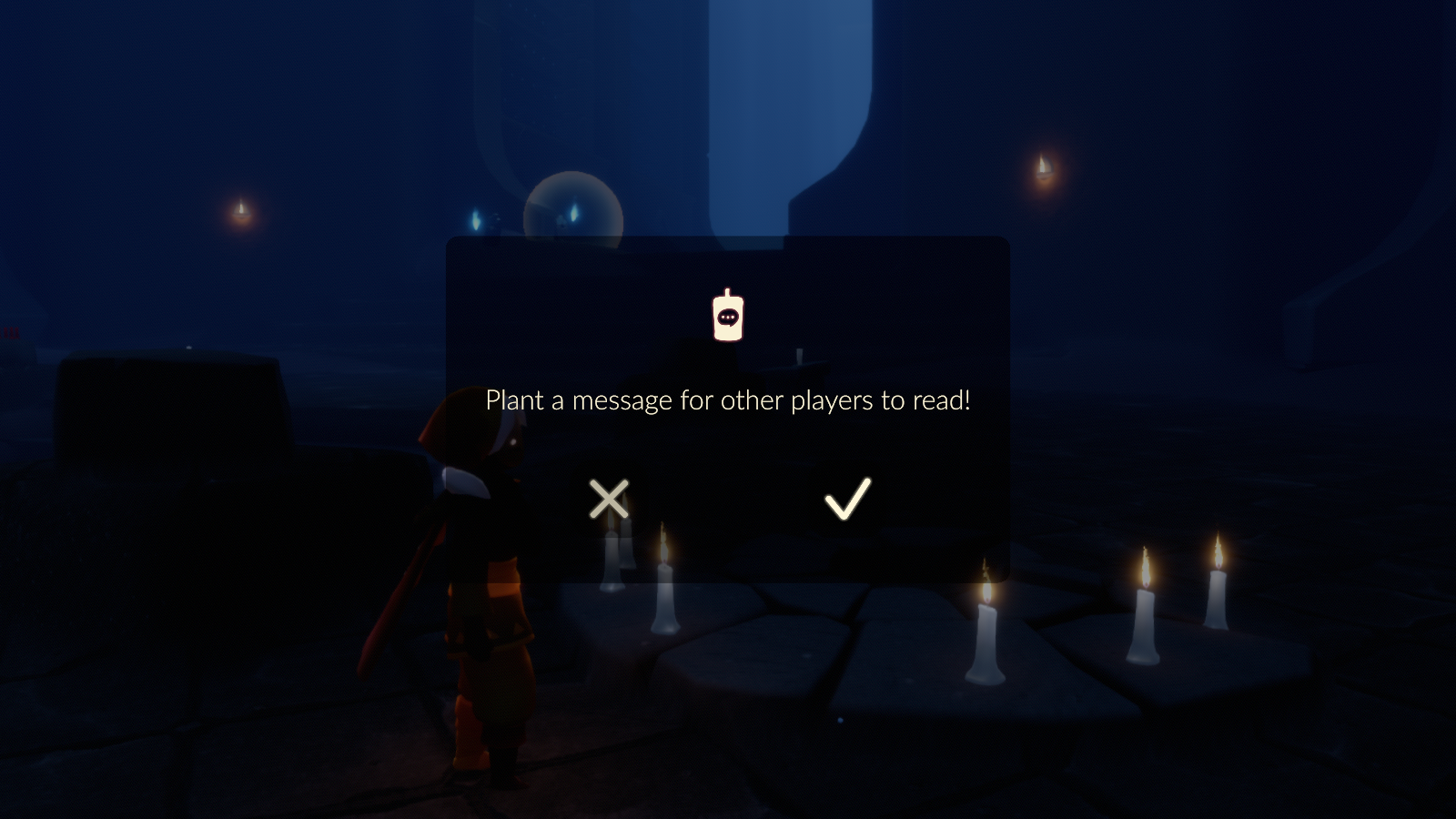
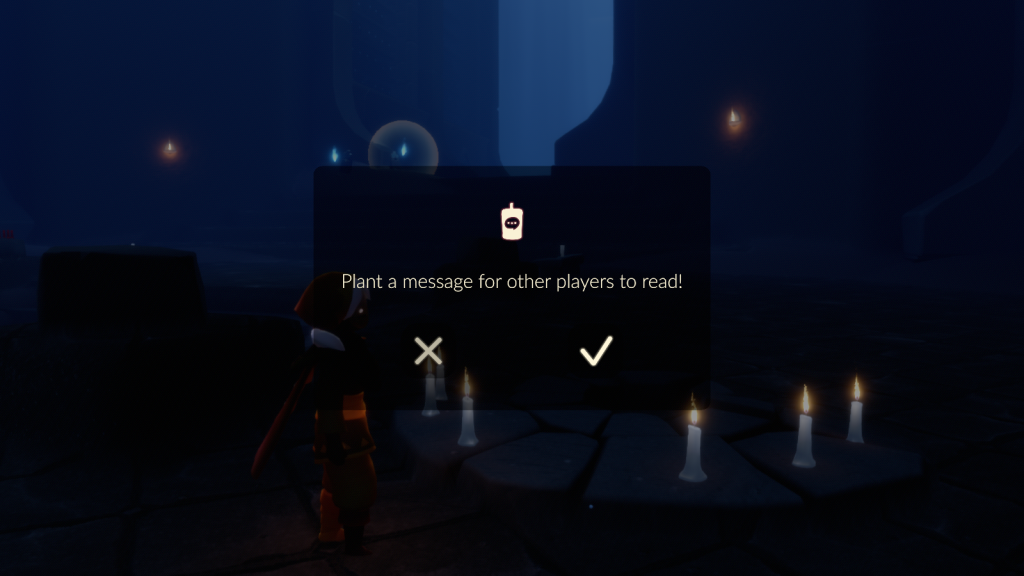
4. Plant Your Message
Select the option to create a message and confirm.
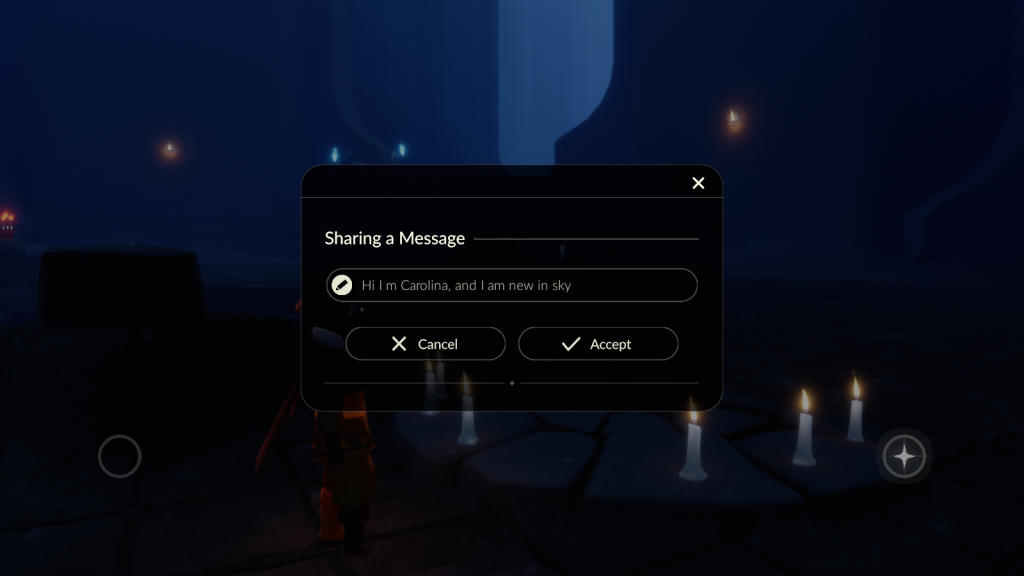
5. Type Your Message
Write anything you like—tips, quotes, or greetings.
Then click Accept.
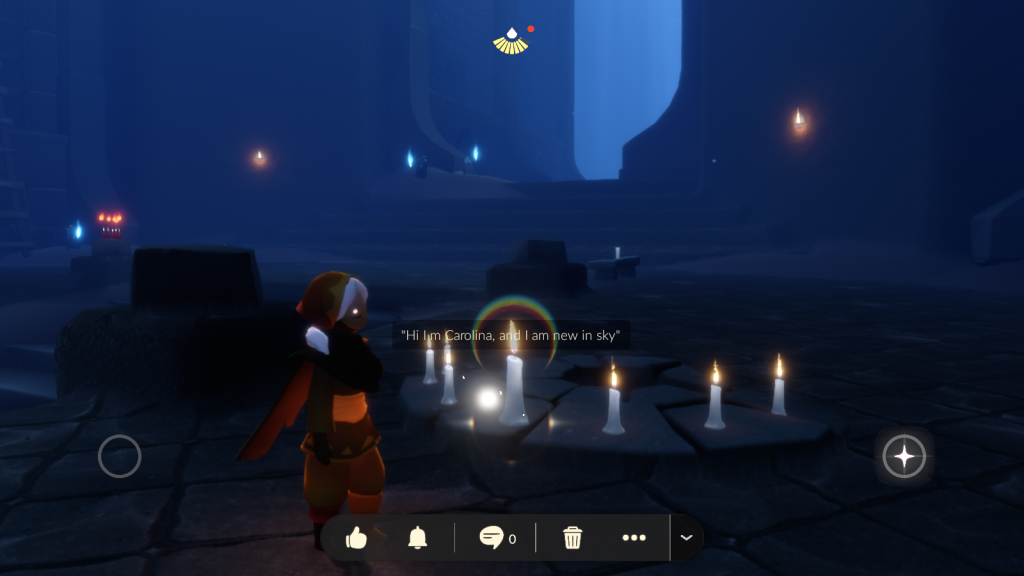
6. Done! 🎉
Your message will now appear on the shrine for other players to see.
💡 Tips for Better Messages
- Keep it short and meaningful ✨
- Positive or helpful messages get more likes ❤️
- Avoid spam—make it worth reading
- Visit again to see how many players interacted with it
🌠 Final Thoughts
Leaving a message shrine in Sky: Children of the Light is a beautiful way to connect with others, even without direct interaction. Whether it’s a kind word or a thoughtful quote, your message might brighten someone’s journey.
So next time you enter the Vault of Knowledge… leave a little piece of yourself behind 🕯️