Sky Planner Guide: Track Cosmetics, Spirits, Seasons, and Winged Light
Sky: Children of the Light has a large collection of cosmetics, Spirit Trees, seasonal rewards, event items, and Winged Light. When you are planning what to unlock next, a structured tracker can make it easier to research an item and understand where it comes from.
Sky Planner is a fan-made online tool for tracking items and progress in Sky. Its documented features include searching items, Spirits, Seasons, and events; browsing items by category; tracing item origins; tracking unlocks through Spirit Trees and in-app purchases; and tracking Wing Buffs.
What can you use Sky Planner for?
- Search items: look up cosmetics and other item records by name and browse items by category.
- Research item origins: follow an item to the Spirit, Spirit Tree, Season, event, or shop record connected to it.
- Track Spirit Tree progress: use the planner to keep track of unlocks and rewards.
- Plan seasonal content: search Seasons and events and inspect related Spirits and rewards.
- Track Wing Buffs: keep a separate view of permanent Wing Buff progression.
- Explore realms and areas: use realm and area references alongside location guides.
What is SkyGame-Data?
SkyGame-Data is the separate structured data project that supplies most of the information used by Sky Planner. Its documented datasets include realms, areas, Winged Lights, map shrines, constellations, Seasons, events, event instances, Spirits, Spirit Trees, Spirit Tree tiers, unlock nodes, Traveling Spirits, Returning Spirits, items, item lists, shops, and in-app purchases.
The project connects records using stable GUID identifiers. This allows related records to refer to one another without repeating the full record each time. The repository also documents date handling: dates are stored as YYYY-MM-DD, and America/Los_Angeles is the timezone to respect for daily reset calculations.
How to use the tools with SkyWorldLight
- Start with a SkyWorldLight guide for the topic you are researching.
- Open Sky Planner to search for a specific item, Spirit, Season, event, or Wing Buff.
- Follow the linked origin information to understand where an item belongs in the unlock structure.
- Check the in-game Friendship Tree, event shop, or Season Guide before spending currency.
- Use the official game announcements or in-game countdown to confirm current availability and schedules.
Other community catalogue: ThatSkyApplication
ThatSkyApplication’s cosmetics catalogue is another community reference for visually browsing cosmetics. It can complement Sky Planner’s structured search and unlock tracking. A catalogue entry is not proof that an item is currently obtainable.
Important accuracy and licensing notes
SkyGame-Data explains that its information is community-maintained and that keeping it accurate is an ongoing effort. Treat it as a research and planning reference, not as a live official game database. Always confirm current prices, unlock conditions, and availability in-game.
The SkyGame-Data repository publishes its data under the MIT License and includes its license notice. Sky Planner’s credits page explains that some screenshots and media captured from Sky: Children of the Light are excluded from the source-code license. Do not assume that the MIT license grants permission to reuse every image or game asset. SkyWorldLight links to these resources and maintains its own guide content and media.
Explore SkyWorldLight guides
- Cosmetics Guide
- Props Guide
- Regular Spirits Guide
- Seasonal Spirits Guide
- Traveling Spirit Guide
- Past Seasons Archive
- Realms Guide
- Winged Light Guide
- Sky Tools & References
SkyWorldLight is an independent fan resource. Sky Planner, SkyGame-Data, and ThatSkyApplication are independent community projects and are not official thatgamecompany services.
Sources
- SkyGame-Planner repository and README
- SkyGame-Data repository and README
- Sky Planner Credits and licensing notes
- ThatSkyApplication Cosmetics
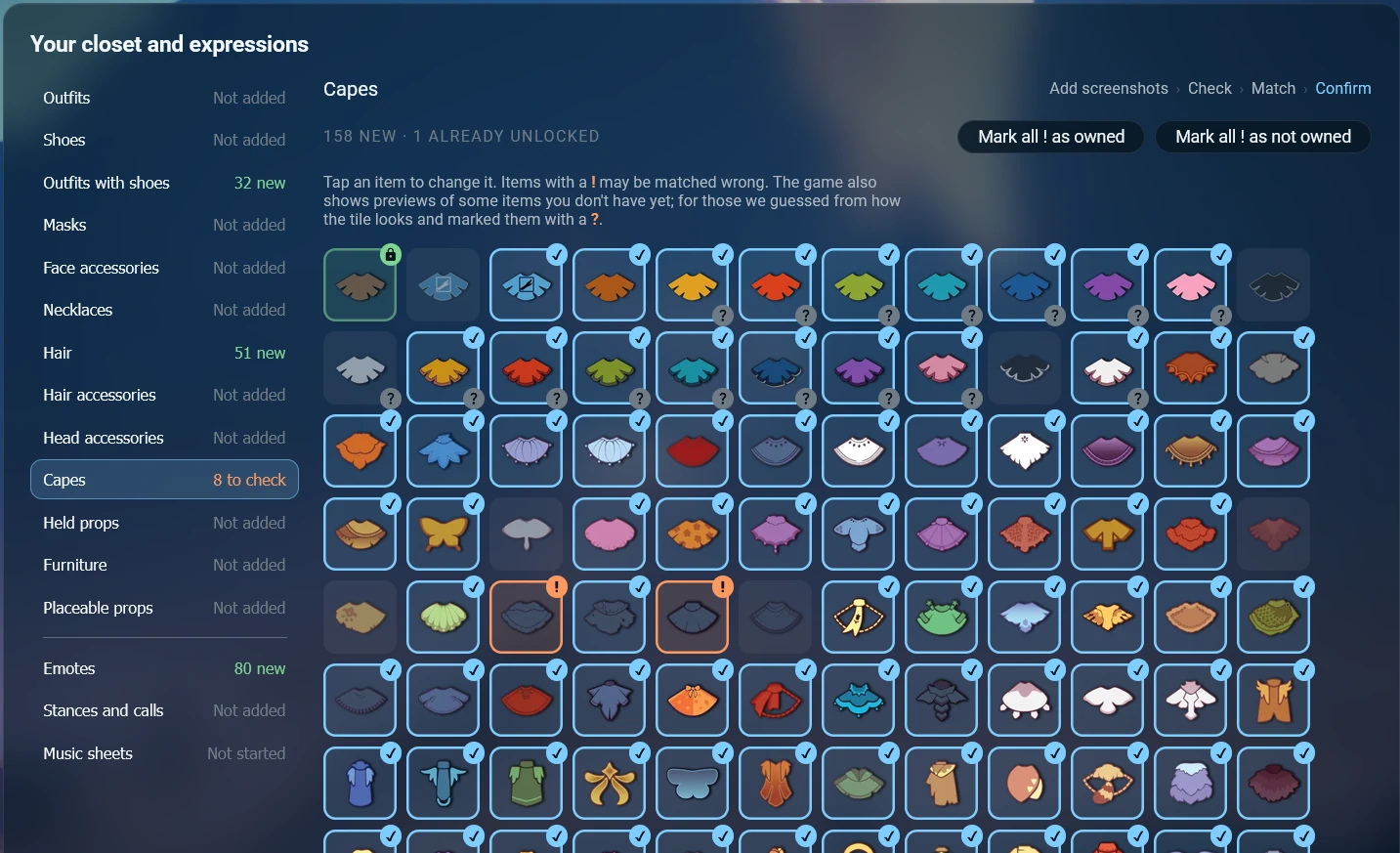
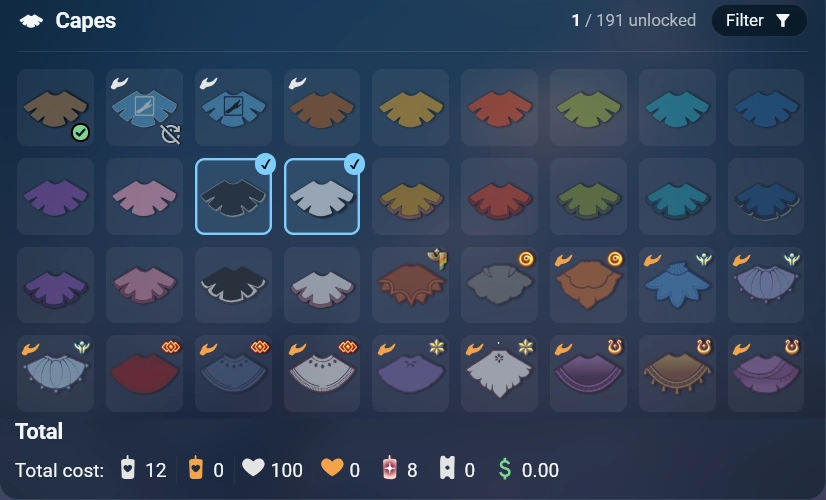
Sky Planner Screenshots and Feature Examples
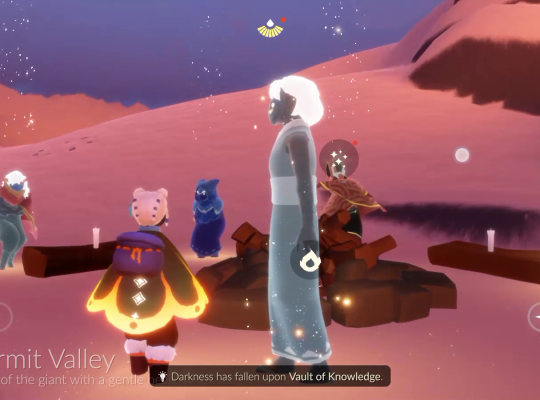
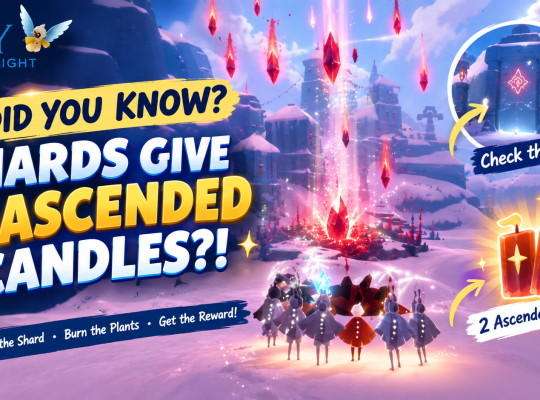
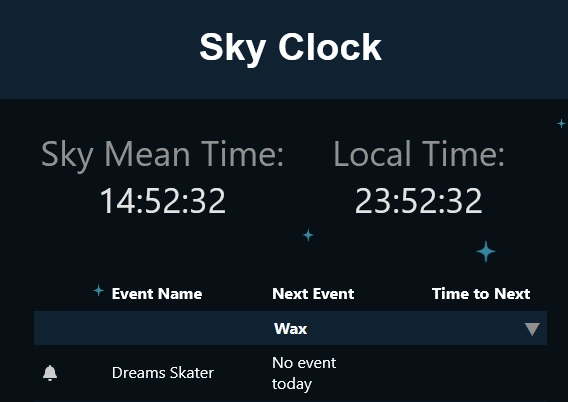
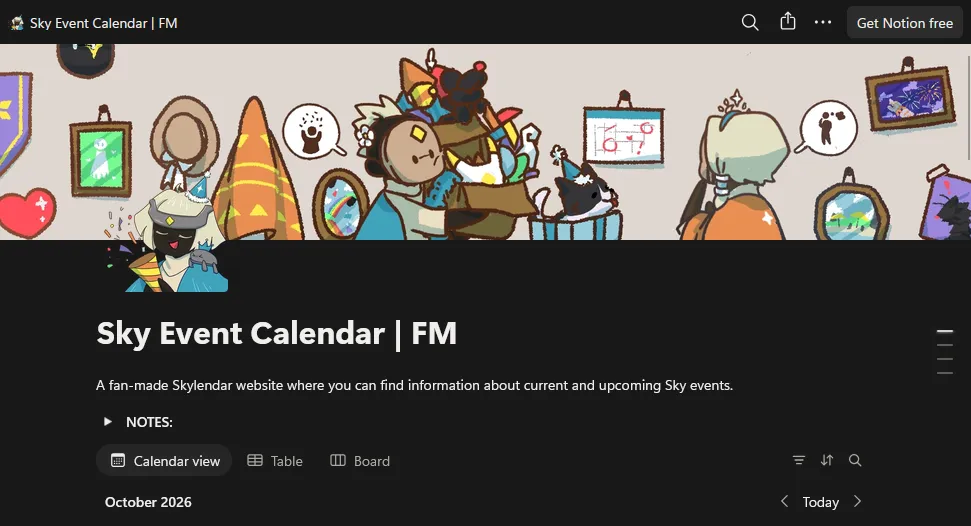
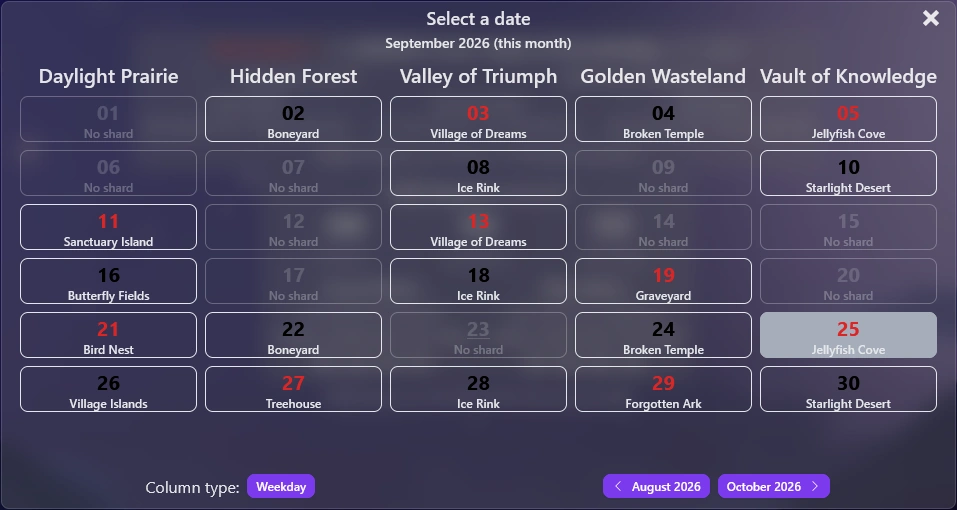
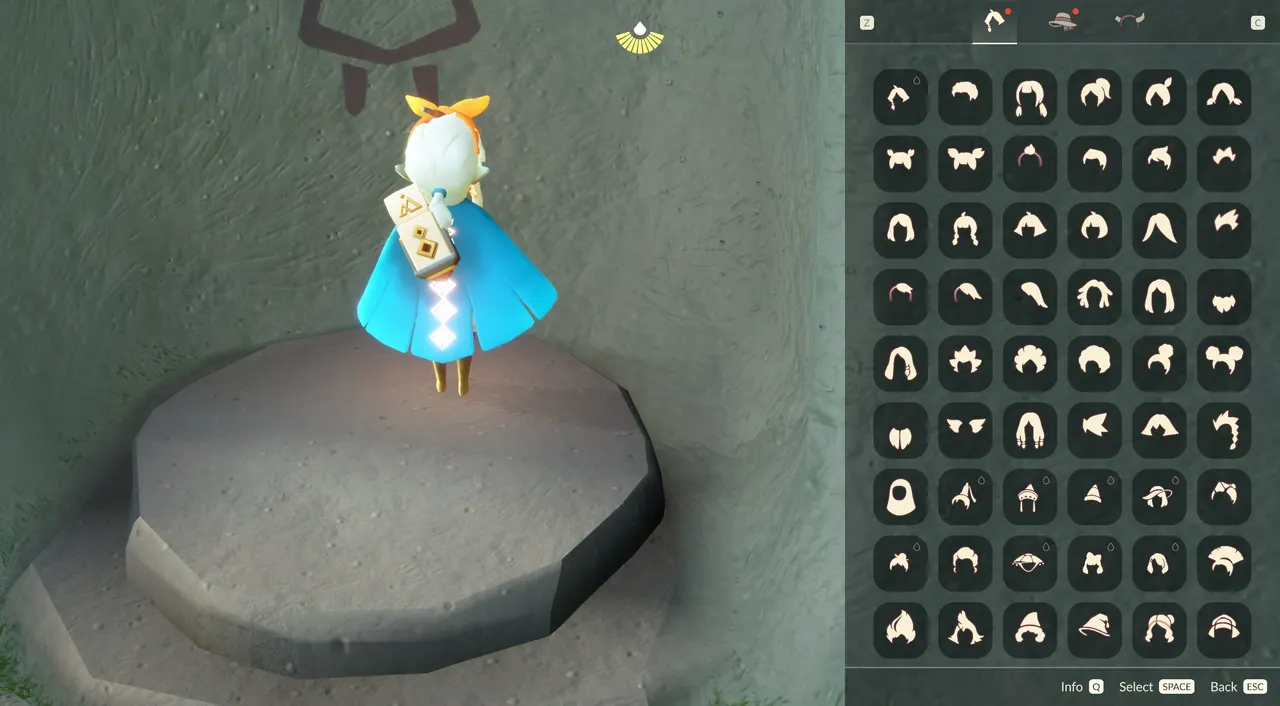
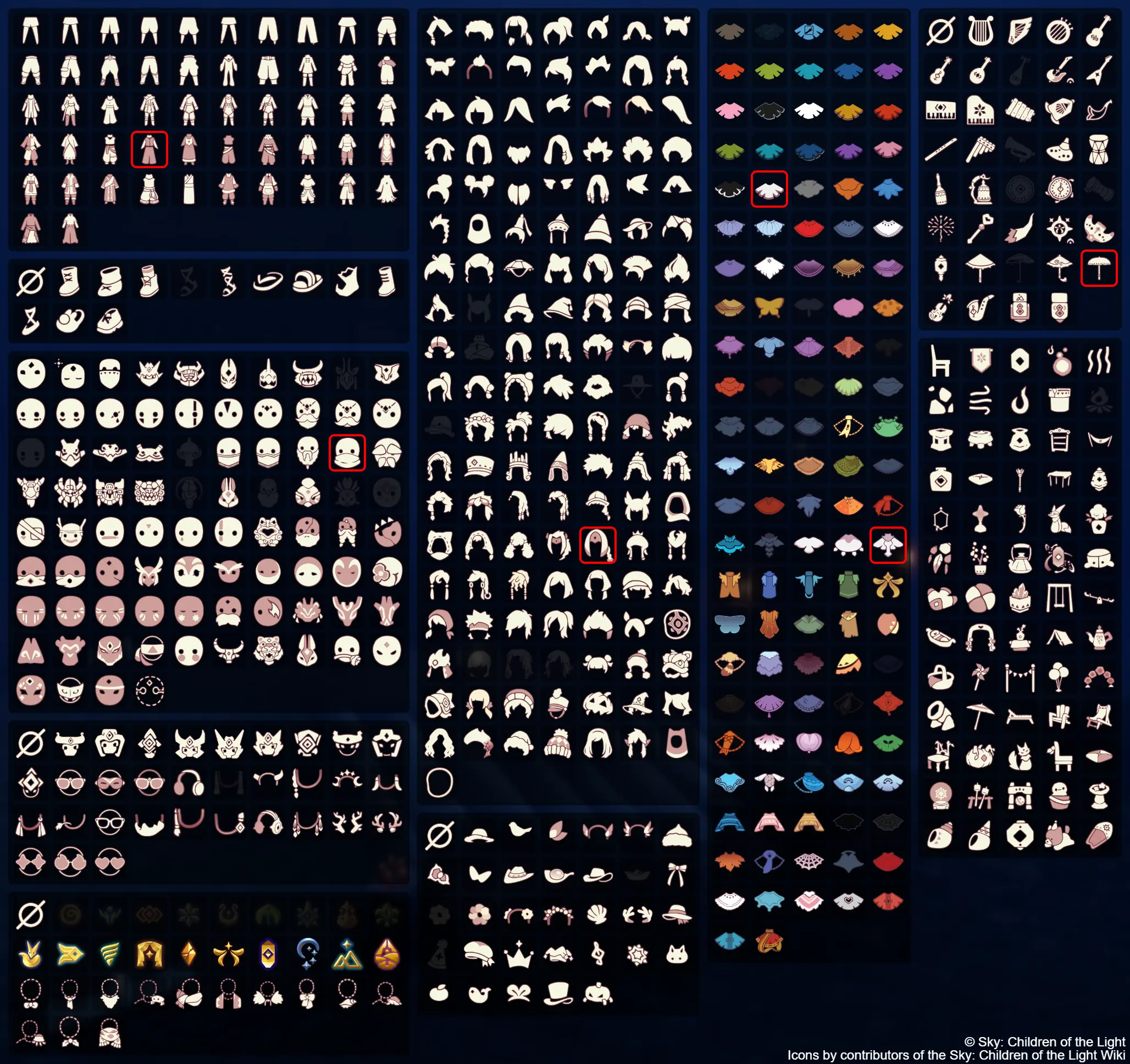
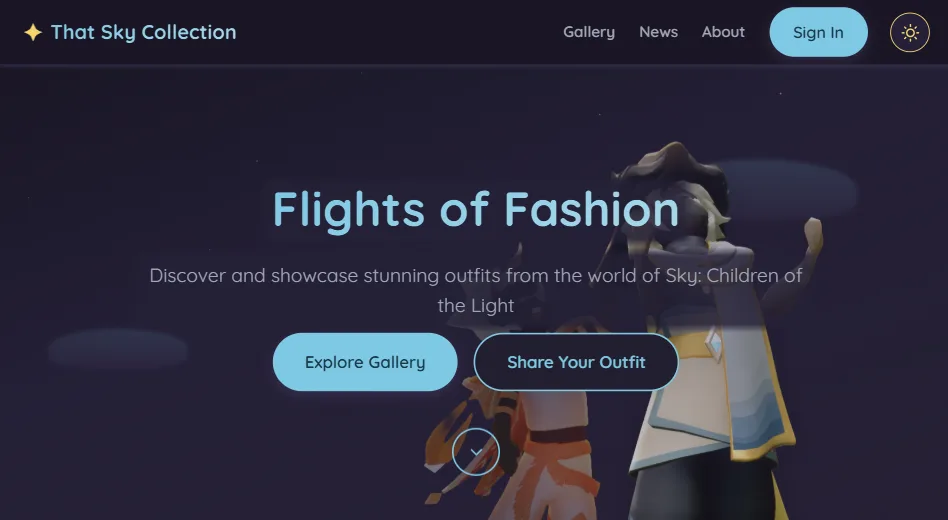
These supplementary graphics are included in the repository’s src/assets/images directory. They illustrate selected planning and reference features. They are not a substitute for checking live in-game prices, event schedules, or current availability.
Why some repository images are not reproduced here
The repository’s MIT licence expressly excludes /assets/game/*, /assets/external/*, and /assets/icons/*. Those excluded folders contain most of the repository’s game maps, area imagery, game icons and external artwork. We have not copied those files into SkyWorldLight’s Media Library or embedded them as if they were MIT-licensed. For those visual references, use the original Sky Planner website and its credits and asset notes. If separate permission is obtained, those assets can be considered for a later integration.
Sky Resource Icon Reference
These resource icons help identify currency types discussed in Sky Planner and Spirit progression:


Resource icons are visual identifiers; use the linked Planner and in-game Spirit Trees for current item costs and progression.